Thailand remains one of the most popular destinations for American travelers, yet many visitors still overpay for mobile data. AT&T’s International Day Pass runs $12/day ($84 for a week), Verizon TravelPass charges the same, and T-Mobile’s “free” included roaming tops out at 256 Kbps on most plans — barely enough to load a Grab ride.
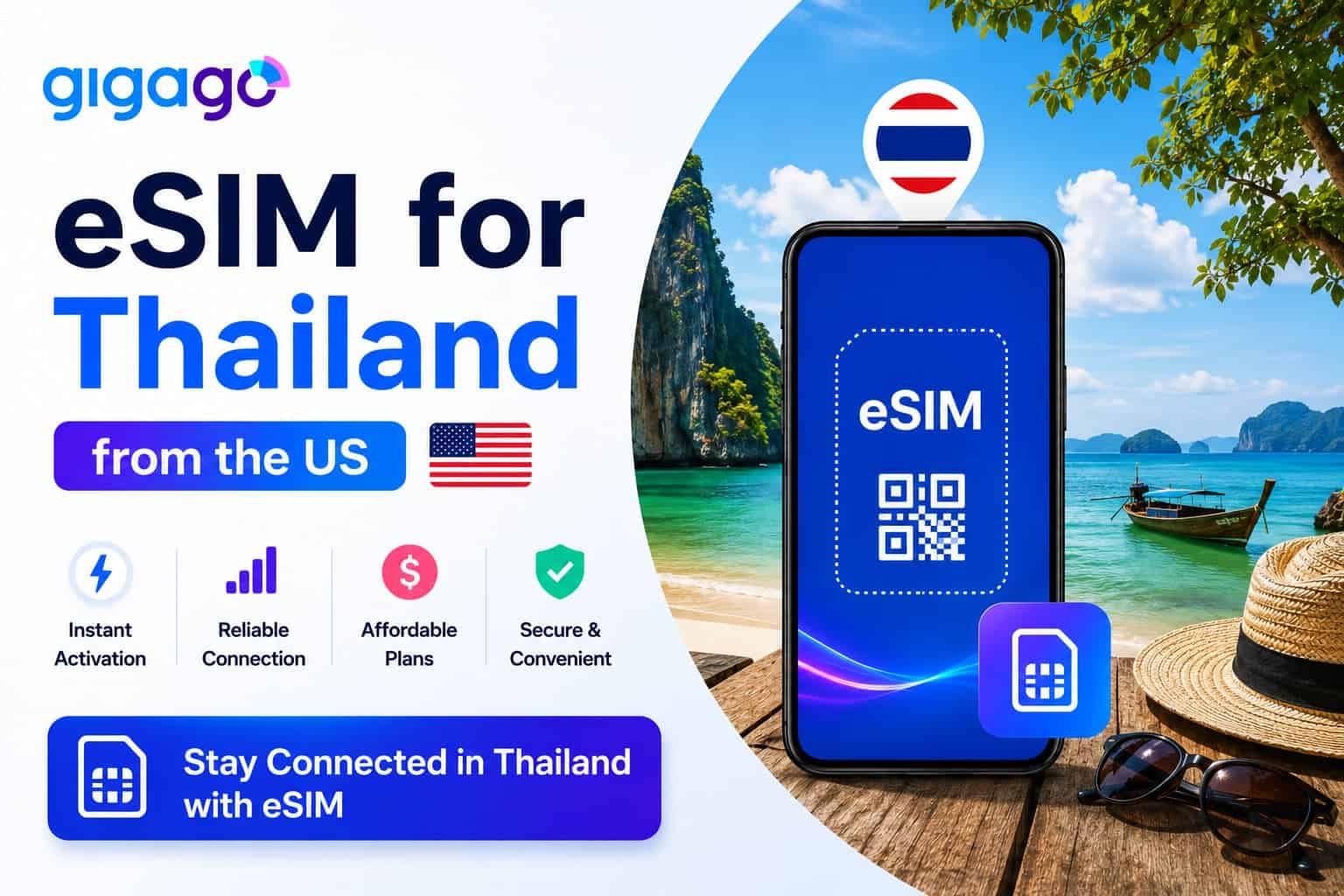
A Thailand eSIM changes math entirely. With tourist plans starting from just $8.90 for short trips up to unthrottled, Truly Unlimited data packages for month-long stays, you can easily find the perfect fit for your itinerary. Every plan connects you to Thailand’s largest network, includes a local Thai phone number, and keeps your US SIM active for iMessage, banking alerts, and two-factor authentication (2FA). This guide covers which plan to pick, how to set it up before you board, and how to keep everything running smoothly once you land.
👉Get your Thailand eSIM, activate before you fly:
Thailand eSIM
$3.50
In this article
I. Why US Travelers Should Choose an eSIM Over Carrier Roaming
Here’s how the main connectivity options compare for a typical 7-day Thailand trip:
Option
Price (7 days)
Data
Speed
Keep US number active?
AT&T International Day Pass
$84 ($12/day)
Uses domestic plan
Full speed
✅ Yes
Verizon TravelPass
$84 ($12/day)
5 GB/day high-speed, then 3G
Throttled after 5 GB/day
✅ Yes
T-Mobile Go5G Plus (included)
$0
5 GB total high-speed, then 256 Kbps
Very slow after cap
✅ Yes
T-Mobile International Pass
$35 (10-day pass)
5 GB total high-speed
Throttled after cap
✅ Yes
Airport SIM (DTAC cheapest)
~$8.50 (299 THB)
15 GB
384 Kbps after cap
❌ No (Must remove US SIM)
Gigago Thailand eSIM
$8.90
35 GB
Full 4G/5G – No Throttling
✅ Yes (Dual SIM)
→ Carrier pricing verified from AT&T, Verizon, and T-Mobile official sites. Airport SIM based on DTAC official tourist SIM rates. Rates may change.
⚠️ A note on T-Mobile: The roaming experience varies dramatically by plan tier. Go5G Next subscribers get 15 GB of high-speed data included. Go5G Plus / Magenta MAX get 5 GB. The basic Essentials plan gives you unlimited texting and 2G-speed data — essentially unusable for maps or Grab. If you’re not sure which T-Mobile plan you have, check the T-Life app before your trip.
3 Reasons eSIM Beats Carrier Roaming for Thailand:
90% Cost Savings: A week of AT&T or Verizon roaming costs $84. Gigago’s 35 GB plan costs $8.90, which’s 90% less for significantly more data. Even T-Mobile’s best included option (5 GB on Go5G Plus) runs out fast when you’re streaming, navigating, and using Grab all day.
No Sudden Throttling: Verizon drops you to 3G after 5 GB per day. T-Mobile drops to 256 Kbps after your high-speed cap. With a Gigago eSIM, you get consistent 4G/5G speeds for your entire data allowance-no — no sudden slowdowns mid-ride.
Perfect for US iPhone Users (eSIM-Only): If you buy a physical SIM at Bangkok’s Suvarnabhumi Airport, Don Mueang Airport, or Phuket Airport, you’ll need to remove your US SIM (or use the eSIM slot for it). With a Gigago eSIM installed as your data line, your physical US SIM stays in place — iMessage, FaceTime, banking verification codes, and two-factor authentication all keep working exactly as they do at home.
💡Good to know for iPhone users: If you use an iPhone 14, 15, or 16 purchased in the US, your phone has no physical SIM slot. Buying a physical SIM at Thai airports isn’t even an option. A Thailand eSIM installs digitally as a second profile alongside your US carrier line.
II. Where to Buy the Best Thailand eSIM for US Travelers
You can purchase your eSIM directly from Gigago’s Thailand eSIM. The process takes under 2 minutes: pick a plan, check out, and receive a QR code instantly via email.
Why Gigago stands out for US travelers:
While travel subreddits often recommend generic data-only roaming eSIMs, Gigago works directly with local Thai networks to provide premium features:
Local Thai Phone Number Included: Every plan comes with a local Thai number. You need this for Grab (Thailand’s Uber/Lyft), food delivery apps, and receiving calls from hotels or tour operators. Data-only eSIMs from other providers won’t give you this.
Truly Unlimited High-Speed Data: Unlike carrier roaming that throttles after a cap, Gigago’s unlimited plans deliver full 4G/5G speeds for the entire validity period. No 256 Kbps fallback, no mid-trip slowdowns.
Direct Local Network Access: Gigago is an authorized partner of DTAC / True Move H — Thailand’s largest network after their 2023 merger (network integration completed October 2025). You connect directly to local cell towers, not through international roaming gateways with added latency.
Hotspot & Tethering Allowed: All plans support full data sharing. You can easily tether your laptop at a beachside café or share data with a travel companion.
III. Best Thailand eSIM Plans for US Travelers & Prices
All plans run on the DTAC / True Move H network and include a real Thai phone number.
Plan
Data
Price (USD)
Other features
Best for
7 days
35 GB
$8.90
Thai phone number, free incoming calls
Short trips (Bangkok + one beach destination). Incoming calls only.
8 days
Unlimited
$15.90
Thai phone number, free incoming calls + SMS, 100 Baht intl. call credit, free calls to all Thai networks
Standard vacation with heavy social media and streaming
10 days
Unlimited
$15.90
Thai phone number, free incoming calls
Best value — same price as 8-day plan, 2 extra days free
15 days
Unlimited
$24.90
Thai phone number, free incoming calls + SMS, 100 Baht intl. call credit, free calls to all Thai networks
Multi-city trips (Bangkok → Chiang Mai → Islands)
30 days
Unlimited
$44.90
Thai phone number, free incoming calls + SMS, 100 Baht intl. call credit, free calls to all Thai networks
Extended stays, remote work, or multi-country Southeast Asia trips
👉 Browse all Thailand eSIM plans and choose your best one for your trip here:
DTAC/True
Unlimited - 8D
Only
$ 15.90
฿100 intl. call
DTAC/True
Unlimited - 10D
Only
$ 15.90
Free answering
DTAC/True
Unlimited - 15D
Only
$ 24.90
100 THB Gesprächsguthaben
DTAC/True
Unlimited - 30D
Only
$ 44.90
100 THB call credit
DTAC/True
35GB - 7D
Only
$ 8.90
Free answering
IV. How to Set Up Your Thailand eSIM from the US
The entire setup takes under 5 minutes. Important: Complete Steps 1 through 4 at home over your Wi-Fi before you fly. Don’t wait until you land in Bangkok.
Step 1: Check Your Phone’s Status
Before buying, ensure your smartphone iscarrier-unlocked and eSIM-compatible:
How to check Lock Status: Go to Settings → General → About (iPhone) or Settings → About Phone (Android). If you see “No SIM restrictions” or “Network: Unlocked,” you’re good. If your phone is still locked, contact AT&T, Verizon, or T-Mobile to request an unlock.
How to check eSIM support: On iPhone, go to Settings → Cellular → Add eSIM. On Android, go to Settings → Network → SIMs → Add eSIM. If the option exists, your phone supports it. You can also dial *#06# — if an EID number appears, you have eSIM capability.
iPhone 14+ users (US models): Your phone is eSIM-only and already supports dual eSIM. You can run your US carrier eSIM and the Gigago Thailand eSIM simultaneously — no physical SIM to worry about.
Step 2: Purchase and Install (in the US)
Once your flight lands in Thailand, adjust your cellular settings exactly like this to keep your US line active without paying roaming fees:
Visit Gigago, search for “Thailand” from the searching box, select your plan, and check out.
Open the QR code you receive via email.
On your phone, go to Settings → Cellular → Add eSIM (iPhone) or Settings → Network → SIMs → Add eSIM (Android) and scan the QR code.
Label this new profile as “Thailand” or “Gigago” so you can easily identify it later.
Step 3: Configure Dual SIM Settings
Once you board or land in Thailand, set up your cellular settings like this:
Mobile Data: Select Thailand / Gigago eSIM. Turn ON Data Roaming for this SIM.
Default Voice / SMS: Keep your US carrier SIM selected. Turn OFF Data Roaming on this line to avoid accidental charges.
This configuration routes all internet traffic through the local Thai network (fast and cheap) while keeping your US number active for calls, texts, iMessage, and FaceTime.
V. Pro Tips for the US travelers in Thailand for a Smooth Experience:
Avoid the AT&T “Auto-Enrollment” Trap: AT&T automatically triggers the $12/day International Day Pass the moment your phone pings a foreign network. To prevent this, ensure Data Roaming is turned OFF specifically for your AT&T line in your phone settings before your flight takes off.
US Banking & 2FA Setup: Because your US SIM remains active in the background for Voice/SMS, major US banking apps (Chase, Bank of America, Wells Fargo) will deliver 2FA verification codes normally and for free via text.
Update Your Grab Profile Immediately: Once you activate your Gigago eSIM, open your Grab app and change your profile phone number to your new Thai number. Local drivers cannot dial US (+1) numbers, so if you don’t update this, they will cancel your rides.
iMessage and FaceTime stay on Wi-Fi/data: These services are tied to your Apple ID, not your carrier. They’ll work perfectly over your Gigago eSIM data connection.
VI. FAQs
Do I need to remove my US SIM to use a Thailand eSIM?
No. The eSIM installs digitally alongside your existing US SIM. Both lines stay active simultaneously: your US number handles incoming texts/2FA, while the Thai eSIM handles all internet data.
Can I share my Thailand eSIM data via hotspot?
Yes. All Gigago plans fully support mobile hotspot/tethering at no extra cost.
My phone is carrier-locked. Can I use this eSIM?
No. Carrier-locked phones will reject third-party eSIM profiles. Your phone must be 100% paid off and unlocked by AT&T, Verizon, or T-Mobile before you can use a tourist eSIM.
This guide will show you where to find SIM card shops, their opening hours, prices, and how to register your card. We’ll also talk about eSIMs, a simple and hassle-free option for travelers. By the end, you’ll know exactly how to get the best mobile connection for your trip.
Buying a SIM card at San Francisco Airport is a quick way to stay connected. In this article, you’ll learn where to find SIM cards at SFO, the registration process, and pricing details.
This guide explores T-Mobile USA SIM cards & eSIMs in detail, covering essential topics like network coverage, internet speed, types of SIM options, pricing, and where to buy.
This guide explores everything you need to know about AT&T USA SIM cards & eSIMs, from their coverage and speed to the types of options available for tourists.
From understanding Verizon’s network and coverage to exploring different SIM options and their prices, you’ll find all the essential details to stay connected during your trip.