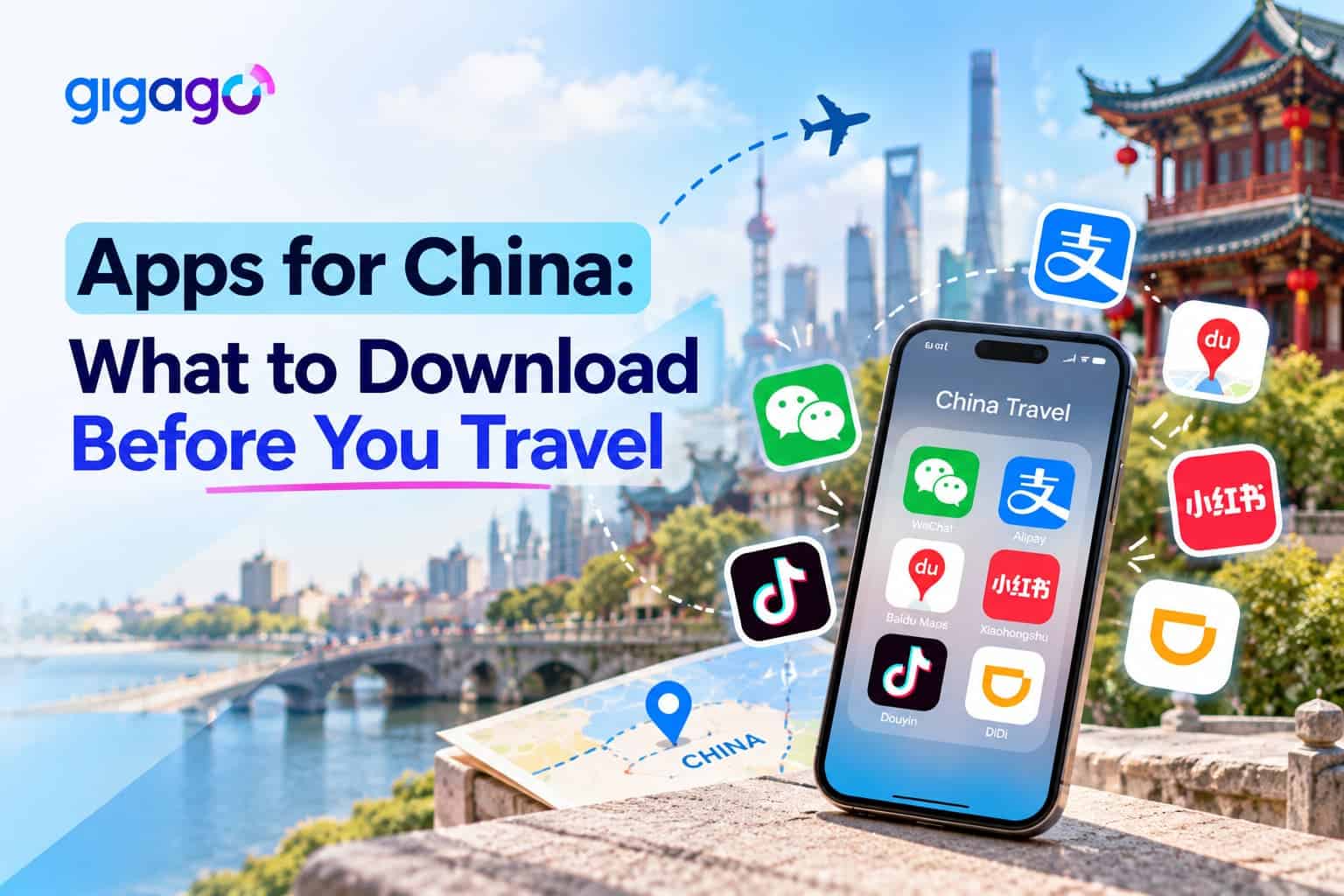
Before traveling to mainland China, download and set up the apps you’ll need for payments, messaging, maps, transportation and translation. Many familiar services, including Google services, WhatsApp and Instagram, are blocked on standard mainland Chinese networks, so it’s important to prepare alternatives before you arrive.
Start with Alipay or WeChat Pay for payments, WeChat for messaging, Amap for maps, and an offline translation app. You should also arrange mobile data before departure and check whether you need to complete China’s arrival card.
This guide explains which apps for China to download, what to set up before you fly and what to keep as a backup.
In this article
Why should you download apps before traveling to China?
You should download and set up your essential travel apps before visiting China because some services are blocked, and account verification or payment setup may be harder after arrival.
Payment apps such as Alipay and WeChat Pay may require card linking or identity verification. Setting up your accounts at home gives you time to resolve any issues before your trip.
Google services, including the Google Play Store, are blocked in mainland China. Android users may therefore have difficulty downloading apps through Google Play after arrival. Install the apps you need before leaving home.
An app can be installed on your phone but still fail to connect on a standard mainland Chinese network. Some services are blocked or restricted, so check whether the apps you rely on will work and prepare alternatives before departure. We’ll explain which apps are affected in the sections below.
Quick checklist: Which apps do you need for China?
Most trips to mainland China require a payment app (Alipay and/or WeChat Pay), WeChat for messaging, Amap for maps, an offline translation app and a plan for mobile data. Ride-hailing and train apps are optional, depending on how you travel. The table below shows what to set up before departure to China.
Need
App
Priority
Set up before you fly
Payments
Alipay and/or WeChat Pay
Essential
Register, link an international Visa or Mastercard, complete any verification
Messaging
WeChat
Essential
Create your account (verification can take time)
Maps
Amap (Gaode Maps)
Essential
Install the English version
Ride-hailing
Didi-Greater China, or Alipay
Optional
Register with your phone number and card
Trains
China Railway 12306
Optional
Register and verify your passport
Translation
Apple Translate, or Google Translate (offline languages)
Essential
Download Chinese and your own language for offline use
Internet access
Travel eSIM, roaming or local SIM
Essential
Decide before departure; install a Travel eSIM or enable roaming before you fly
You can also fill in China’s arrival card online before you land. It’s a form rather than an app you must install, which is why it isn’t in the table.
Which payment apps should tourists use in China?
Tourists should use Alipay, WeChat Pay or both when traveling in China. Foreign visitors can use them and each lets you link an international credit card such as Visa or Mastercard, according to the People’s Bank of China. Chinese government guidance adds that you can register with a foreign phone number.
That guidance covers WeChat, Alipay and UnionPay: you register with a foreign phone number, then link your bank card inside the app. Do both steps at home. If a card link or verification step stalls, you still have time to contact your bank before you leave.
1. Alipay
Alipay is a practical first app for many tourists because it does more than pay. Besides paying in shops and restaurants, you can book taxis through it and, in cities such as Beijing, get a metro QR code. That makes it useful even if you only install one payment app.
Alipay – a payment app in China
2. WeChat Pay
WeChat Pay sits inside the WeChat app, so you set up messaging and payments in one place. You can link an international card inside WeChat Pay, and WeChat’s Help Center has a guide on setting up international cards if you get stuck.
Fees and limits for foreign cards can change, so check the current terms in the app rather than trusting figures from older travel guides.
Wechat Pay – a payment app for China
What payment backup should you prepare?
You should carry some Chinese yuan (RMB) in small notes as a backup, along with a second payment card. Payment options vary by city and transport operator, so it’s better check local requirements rather than relying on cash or a single payment method.
However, don’t assume cash is useless just because most people around you pay by phone. Cash is legal tender in China, and since October 2023 the People’s Bank of China has worked to stop businesses refusing it.
Which messaging app should you use in China?
WeChat is the messaging app to have in China, and it also hosts WeChat Pay and mini programs for rides and services. You can register with a foreign phone number, but do it before you travel, because new accounts may need extra verification.
New accounts may be asked to verify through an existing WeChat user, a bank card or WeChat Pay, and that can take time. That is the main reason to register at home rather than on arrival.
While you sign up, turn off your VPN, which WeChat recommends during registration. Also watch for a voice call, not just an SMS, because WeChat says the verification code can arrive by automated call. If you’re only watching your messages, you could miss it.
Note: You shouldn’t count on WhatsApp to reach people, because it is blocked in mainland China. Our guide on whether WhatsApp works in China explains the options.
Which map app should you download for China?
Download Amap (Gaode Maps) for your China trip. Google Maps is blocked in mainland China, and Amap is available in English: Alibaba launched an English version in January 2025 and added more languages in July 2025. Overseas users can download it from the App Store and Google Play before they travel.
According to Alibaba, the multilingual Amap includes driving, walking, cycling and public transport navigation, plus ride-hailing in English. Install it at home rather than planning to rely on Google Maps, which won’t help you on a mainland Chinese network. Read more: Does Google Maps work in China? and Apple Maps vs. Google Maps – Which is better for travel?
Amap – a navigation app for China
Which apps do you need for transportation in China?
For most trips, you need a way to book rides, either the DiDi app or Alipay. If you plan to take high-speed trains, add China Railway 12306 or a booking platform. Public transport may work differently in each city, and in Beijing your payment app or foreign card can already get you through the metro.
1. DiDi for ride-hailing
DiDi is a widely used ride-hailing service in China. According to Chinese government guidance, the Didi-Greater China app lets foreigners register with a foreign mobile number and an international credit card. If you’d rather not install another app, you can book rides through Alipay or WeChat.
Whichever route you choose, register with your phone number and card before you fly, so your first ride isn’t also your setup session.
2. China Railway 12306 for train tickets
China Railway 12306 is the official railway ticketing platform, with an English website and app. To book online, register with your passport details and let 12306 verify them. Accounts marked “verified” or “ready to be verified” can buy tickets, so start early, before you need your first ticket.
If online booking doesn’t work out, you can buy tickets at a station ticket counter with your passport. Third-party platforms such as Trip.com also sell train tickets, but they may charge a service fee, so compare before you book.
China Railway – a transportation 12306 app for China
3. Public transport
In Beijing, you can get a metro QR code in Alipay under Travel > Metro, according to Beijing’s current guidance. Beijing was also the first city on the Chinese mainland to accept foreign bank cards at metro gates. Other cities may work differently, so check locally before relying on either option.
Which translation apps should you download?
Download a translation app that works offline, such as Apple Translate on iPhone or Google Translate, and save Chinese and your own language before you leave. You may not always have a reliable connection, and some services won’t connect in mainland China, so offline languages are your safety net.
On iPhone, Apple Translate needs both languages downloaded, for example Chinese and English. You can then translate text and hold conversations offline. Apple notes that offline translations may be less accurate than online ones, so keep that in mind for important details.
Google Translate also lets you download languages for offline use, ideally over WiFi, and camera translation works offline for some languages only. The bigger catch is that Google services are blocked in mainland China, so don’t rely on Google Translate’s online features there. Download its offline languages at home, while you can still reach Google.
Think about how you’ll use translation. Camera translation helps with menus and signs, while conversation mode helps with taxi drivers and hotel staff.
What should you prepare before arriving in China?
Before departure, set up your app accounts, link your card, download offline translation languages and arrange internet access. You can also complete China’s arrival card online, which is optional. Doing all of this at home means you land ready to pay, navigate and get online instead of fixing setup problems at the airport.
Do you need to complete China’s arrival card online?
No, completing China’s arrival card online is optional. Since November 20, 2025, China’s National Immigration Administration (NIA) has let foreign travelers complete the arrival card online before arrival. If you don’t do it beforehand, you can still complete it at the port of entry.
You can fill it in on the NIA website, in the NIA 12367 app, or through WeChat or Alipay mini programs. If you’ve already set up WeChat or Alipay, the mini program is a convenient route.
Some travelers are exempt, such as passengers in 24-hour direct transit who stay in the port’s designated area. Rules can differ by situation, so check the official guidance for yours.
Put this checklist into your pocket before you fly:
Install the apps and log in to each one.
Link your international card in Alipay and/or WeChat Pay.
Verify your passport on 12306 if you plan to take trains.
Download offline translation languages.
Check with your bank that your card works for payments in China.
Arrange mobile data.
Will your usual apps work in mainland China?
Many of your usual apps won’t work on a standard mainland Chinese connection. According to the Internet Society, Google services (including Gmail and Google Maps), WhatsApp, Facebook, Instagram and YouTube are blocked in mainland China, so plan alternatives for maps and messaging before you go.
Don’t be fooled when these apps still open on your phone. They may launch normally but won’t load new content over a standard mainland Chinese connection. For details on Google, see Is Google banned in China?
How can you stay connected and use your apps in China?
You’ll need mobile data for maps, payments and ride-hailing, so arrange it before you travel. The main options are your home carrier’s roaming, a local Chinese SIM card or a travel eSIM. Decide before departure, because a travel eSIM or roaming should be set up before you fly.
If you choose a Travel eSIM, Gigago’s product page says the Gigago China eSIM gives access to services such as Google, WhatsApp and Facebook without installing a separate VPN app. That eSIM Plan does not support TikTok. If you need TikTok, choose the China eSIM (support TikTok).
Both Gigago China eSIM plans are data-only and don’t come with a Chinese phone number. If an app or service asks for a local number, see how to get a Chinese phone number.
FAQs
Can I download Alipay and WeChat before arriving in China?
Yes. Install both from your usual app store and sign up with your home phone number before you fly.
Can I use Google apps in China?
Google apps don’t work over a standard mainland Chinese connection. You’ll need an alternative connection or a non-Google app.
Do I need a Chinese phone number for these apps?
No, the main ones accept foreign numbers: Alipay, WeChat and the Didi-Greater China app. Some services may still ask for a Chinese number.
Do I need a VPN in China?
You only need one to reach blocked services, and a VPN isn’t the only route. Check the rules before you travel.
Can I use my usual apps with a Gigago China eSIM?
Yes, many of them do. The Gigago China eSIM covers services like Google and WhatsApp. Choose the TikTok version if you need TikTok, and check each product page for details.
eSIM validity is the period during which your data plan remains usable. Depending on the plan, the countdown starts when you install the eSIM by scanning its QR code or when it first connects to a supported network at your destination. Your plan expires when its validity period ends or if you use up the […]
Most travelers want mobile data the moment they land, without uploading a passport or queuing to register a SIM at the airport. The good news is that many data-only travel eSIMs can be purchased online without ID verification. However, some plans, especially those with a local phone number, may require identity verification before you can […]
A travel eSIM can stop working on your iPhone because the line was turned off, your data is running through another SIM, or the eSIM was deleted. If the eSIM still appears in Settings > Cellular, you can usually get back online by turning the line on, selecting it for cellular data and checking Data […]
Buying too little data for 15 days in Japan means running out mid-trip, while buying too much wastes money. A typical traveler who uses maps, messaging and social media daily can expect to use around 1GB a day, so a 20GB plan covers roughly 15GB of use with a buffer. Light users can usually manage […]
A good navigation app needs to do more than find the fastest route when you’re traveling abroad. You may need offline directions, public transit information, reliable place details, or navigation in a country where some services are restricted. So, which is better for travel: Apple Maps or Google Maps? This guide compares Apple Maps and […]
One of the most common questions travelers have before using an eSIM is “Does time zone affect your travel eSIM’s validity period?” whether changing time zones will shorten their data plan. If you buy a 7-day eSIM, fly across multiple countries, or cross the International Date Line, it’s natural to wonder whether changing time zone […]