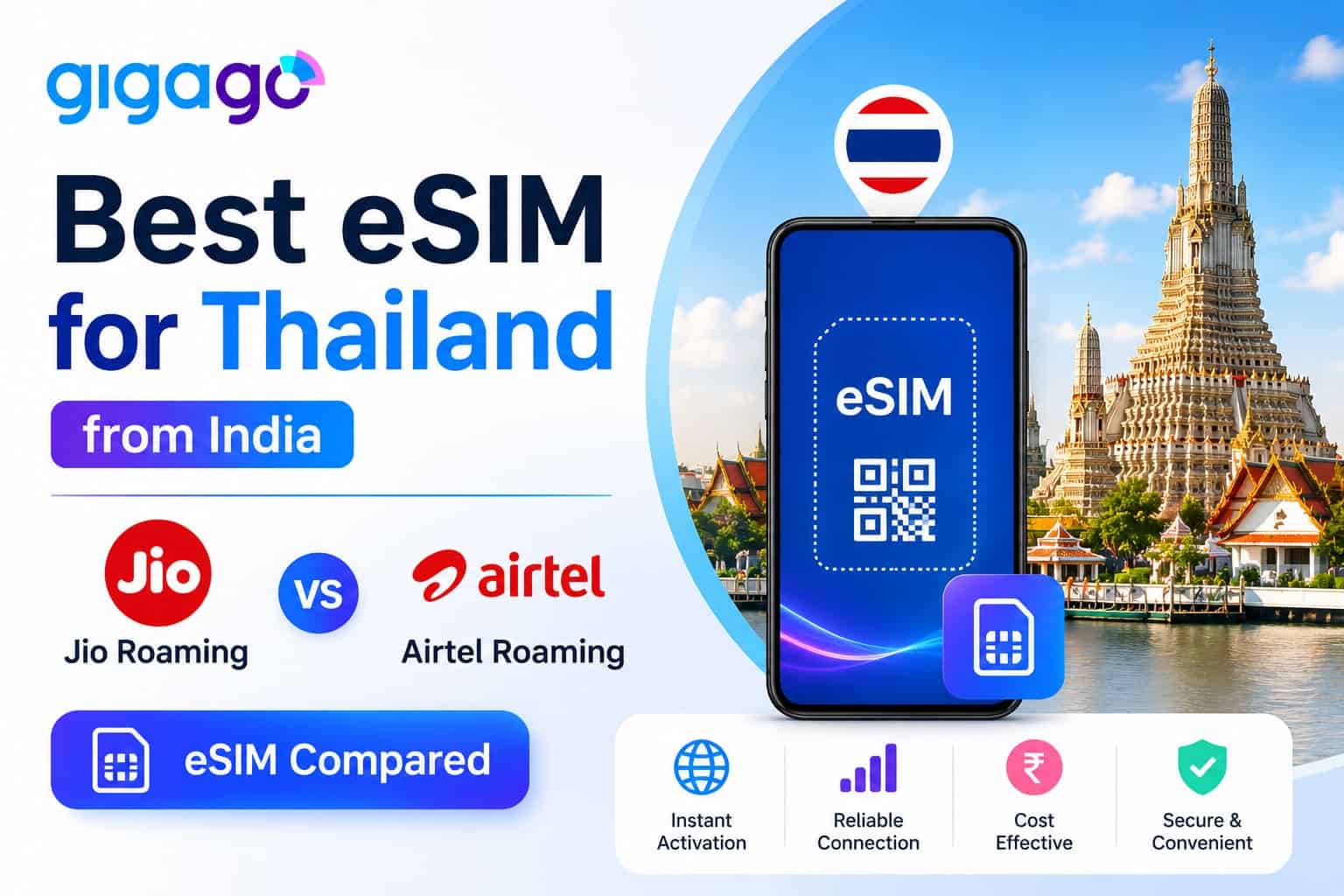
India is now one of the top sources markets for Thailand tourism. Yet most still overpay for connectivity: a Jio international roaming packs gives you just 5GB for ₹2,999, while Airtel charges ₹1,198 for a mere 3 GB.
A Thailand eSIM flips that equation. Whether you need a budget-friendly option starting under ₹850 or unthrottled, Truly Unlimited data for a longer vacation, there is a tailored plan for every Indian traveler. Best of all, your Indian SIM stays in the phone, so Google Pay, PhonePe, and banking OTPs keep working exactly as they do at home. This guide covers which eSIM for Thailand from India to pick, why Gigago eSIM stands out, how to set it up before you fly, and how to keep your UPI running smoothly while abroad.
👉Get your Thailand eSIM, activate before you fly:
Thailand eSIM
$3.50
In this article
I . Why Indian Travelers Should Choose an eSIM Over Roaming or Airport SIMs
Let’s keep it simple. If you’re going to Thailand for a week, here’s how the different connectivity options compare for Indian tourists:
Option
Price
Data
Validity
Speed after cap
Indian SIM stays active?
Jio Data Only Pack
₹2,999 (~$32)
5 GB
7 days
64 Kbps
✅ Yes
Airtel IR Pack
₹1,198 (~$13)
3 GB
10 days
80 Kbps (or blocked on prepaid)
✅ Yes
Airport SIM (DTAC cheapest)
~₹1,050 (299 THB)
15 GB
8 days
384 Kbps
❌ No — must remove Indian SIM
Gigago Thailand eSIM
₹846 (~$8.90)
35 GB
7 days
No throttling on unlimited plans
✅ Yes — dual SIM
→ Jio/Airtel pricing verified from official sources. Airport SIM pricing based on DTAC official rates. Rates may change over time.
3 Big Reasons eSIM Beats the Alternatives:
Cheaper + more data: Gigago Thailand eSIM gives you 35 GB for ₹846. Jio gives you 5 GB for ₹2,999. Even the airport SIM, which offers decent value at 15 GB for ₹1,050, also costs more for less data.
No “Bill Shock” or Hidden Charges: International roaming always carries the risk of massive bill extensions if you accidentally exceed your tiny data limit. With a prepaid eSIM, you pay once and enjoy complete peace of mind.
Keep Your Indian SIM Active for UPI & OTPs:Buying a physical SIM at Bangkok airport forces you to remove your Indian SIM, which instantly breaks Google Pay, PhonePe, and banking OTPs. An eSIM allows your phone to run both SIMs simultaneously.
II. Where to buy the Best Thailand eSIM for Indian Travelers
You can purchase your eSIM directly from Gigago’s Thailand eSIM. The entire process takes less than 2 minutes: pick a plan, check out, and receive a QR code instantly via email.
Why Gigago is the Best Choice for Indian Travelers:
While most global eSIM providers only offer generic data-only plans, Gigago provides a local Thai telecom experience tailored for tourists:
Real Thai Phone Number Included: Every plan comes with a local number. This is crucial for registering on Grab (Thailand’s Uber), ordering food, or receiving calls from your hotel/tour guides.
Truly Unlimited High-Speed Data: Unlike carrier roaming or standard tourist SIMs that throttle your speed to a crawl after a few gigabytes, Gigago’s unlimited plans deliver constant, unthrottled 4G/5G speeds.
Direct Local Network Partnership: Gigago is an authorized partner of dtac / True Move H (True Corp) — Thailand’s largest network. You connect directly to local cell towers, avoiding the high latency and lagging issues common with international roaming gateways.
Hotspot & Tethering Allowed: All plans support data sharing, allowing you to easily tether connectivity to your laptop or a travel companion’s phone.
💳 Payment tip for Indian buyers: International websites do not accept Indian UPI. To purchase your eSIM, you can use any standard Indian Visa or Mastercard. Just ensure that “International Transactions” is toggled ON in your banking app (HDFC, ICICI, SBI, etc.) before completing the payment.
III. Best Thailand eSIM Plans for Indian Travelers & Prices
Gigago’s Thailand eSIM offers flexible options running on the dtac / True Move H network (Thailand’s largest network corporation). All plans include a real Thai phone number.
Plan
Data
Price (USD – INR approx)
Other features
Best for
7 days
35 GB
$8.90 (~₹846)
– Real Thai phone number – For incoming calls only
Short weekend getaways (Bangkok + one beach).
8 days
Unlimited
$15.90 (~₹1,511)
– Real Thai phone number – Free incoming calls + SMS – 100 Baht international call credit – Free call to all networks in Thailand
Standard holiday with heavy social media/streaming.
10 days
Unlimited
$15.90 (~₹1,511)
– Real Thai phone number – For incoming ca
Best Value! Same price as the 8-day plan. Pick this if your trip is around 9–10 days to get 2 free days.
15 days
Unlimited
$24.90 (~₹2,366)
Same as the 8-day plan
Multi-city trips (Bangkok → Chiang Mai → Islands).
30 days
Unlimited
$44.90 (~₹4,266)
Same as the 8-day plan
Long stays, remote work, or cross-border travel.
💡 Key Takeaways for Choosing Your Plan:
The 10-day sweet option: Since the 8-day and 10-day unlimited plans cost the exact same (~₹1,511), always opt for the 10-day plan if your itinerary is flexible. You get 48 hours of extra data for free.
True unlimited means zero throttling: Unlike Indian carrier roaming packs that drop your speed to an unusable 64–80 Kbps after a tiny data cap, Gigago’s unlimited plans retain maximum 4G/5G speeds for the entire duration.
Call credits included: The 8, 15, and 30-day plans come pre-loaded with 100 Baht international call credit and free network-wide local calls, making it easy to contact local lifestyle services.
👉 Browse all Thailand eSIM plans and choose your best one:
DTAC/True
Unlimited - 8D
Only
$ 15.90
฿100 intl. call
DTAC/True
Unlimited - 10D
Only
$ 15.90
Free answering
DTAC/True
Unlimited - 15D
Only
$ 24.90
Free answering
DTAC/True
Unlimited - 30D
Only
$ 44.90
100 THB call credit
DTAC/True
35GB - 7D
Only
$ 8.90
Free answering
IV. How to Set Up Your Thailand eSIM from India
The entire setup takes less than 5 minutes. Crucial: You must complete Steps 1 to 4 at home in India over your domestic Wi-Fi before boarding your flight. Do not wait until you land in Bangkok.
Step 2: Activate International Roaming (IR) on your Indian SIM
Your Indian line must be able to receive SMS abroad to get banking OTPs. Incoming SMS is free, but you must trigger the IR service before leaving India:
Jio: Recharge with the ₹499 1-day IR pack (cheapest trigger) or the ₹1,101 Global Pack.
Airtel Postpaid: Free to activate. Just toggle “International Roaming” ON in the Airtel Thanks app.
Airtel Prepaid: Recharge with the ₹118 IR activation pack.
Vi (Vodafone Idea): Activate via the Vi App under the “International Roaming” section.
Note: Do this at least 24 hours before your flight as activation can take a few hours.
Step 3: Purchase and Install
Go to Gigago’s Thailand eSIM page, select your plan, and check out.
Open the QR code received in your email.
On your phone, go to Settings > Mobile Data > Add eSIM and scan the QR code.
Label this new profile as “Thailand” or “Gigago”.
Step 4: Configure Dual SIM Settings
Once you board the plane or land in Thailand, configure your cellular settings exactly like this:
Mobile Data: Select Thailand / Gigago eSIM (Turn ON Data Roaming for this SIM).
Default Voice/SMS: Select your Indian SIM (Turn OFF Data Roaming for this SIM to avoid accidental charges).
💡 Pro-Tips for a Smooth Experience in Thailand:
Fixing UPI/Banking App Glitches: Some banking apps (especially HDFC, ICICI) occasionally need a brief data connection on your registered Indian number to authorize a payment. If Google Pay or PhonePe acts up at a checkout counter, toggle Mobile Data to your Indian SIM for 30 seconds, complete the transaction, then switch back to Thailand eSIM. This fixes it almost every time.
Setting up Grab/Food Apps: Once you land and your Thai number is active, open your Grab app and update your profile with the new local Thai number. This ensures delivery drivers and taxi partners can call you directly without issues.
V. FAQs
Which eSIM plan is best for a 5-day Bangkok trip?
The 7-day / 35 GB plan (₹846) covers a short trip comfortably. Average daily usage for maps, Grab, messaging, and social media is 1–2 GB — you will have plenty of data left over.
Do I need to remove my Indian SIM to use a Thailand eSIM?
No. That is the whole point. An eSIM installs as a second digital line alongside your physical Indian SIM. Both stay active — your Indian number receives calls and SMS, while the Thai eSIM handles data. No swapping, no downtime.
Can I share my Thailand eSIM data with a travel companion?
Yes. Gigago eSIM plans support tethering/hotspot on all plans. Enable hotspot on your phone and your companion connects via WiFi — useful if their phone does not support eSIM.
Most Indian travelers heading to Thailand either recharge a Jio/Airtel roaming pack or plan to grab a physical SIM at the Bangkok airport. Both work, but neither is the cheapest way to stay connected anymore. A Thailand eSIM costs a fraction of what Jio or Airtel charge for international roaming, gives you significantly more data, […]
AIS is Thailand’s largest mobile network by revenue. This mobile network carrier offers strong coverage from Bangkok’s BTS stations to Koh Tao’s dive sites, fast 5G in major cities, and tourist SIM plans available at every airport. Whether it’s worth buying over a DTAC/True Move H alternative depends on where you’re going and what you […]
Connecting to Phuket Airport WiFi (HKT) is easy, but only free within 02 hours. You also need to register your name and email to login. Phuket International Airport (HKT) is the second busiest airport in Thailand which welcomes millions of passengers annually. Arriving at Phuket Airport, you will need an Internet connection to navigate the […]
Navigating Bangkok Suvarnabhumi Airport (BKK) is always easier when you get connected. This guide will show you how to quickly get free Bangkok Airport WiFi upon arrival, and suggest alternative options to keep you connected throughout your trip in Thailand. I. Does BKK airport have free WiFi? Yes. Free WiFi is available at Suvarnabhumi Airport […]
All you need to know about DTAC SIM cards and eSIM for Tourists to Thailand that help you make an informed decision on choosing ways to connected with people back home while traveling.
This article will explain the straightforward options that travelers have for using their cell phone in Thailand so they can stay connected without issues during their trip.