





Receive the eSIM via email, scan QR code to install, connect instantly upon arrival.
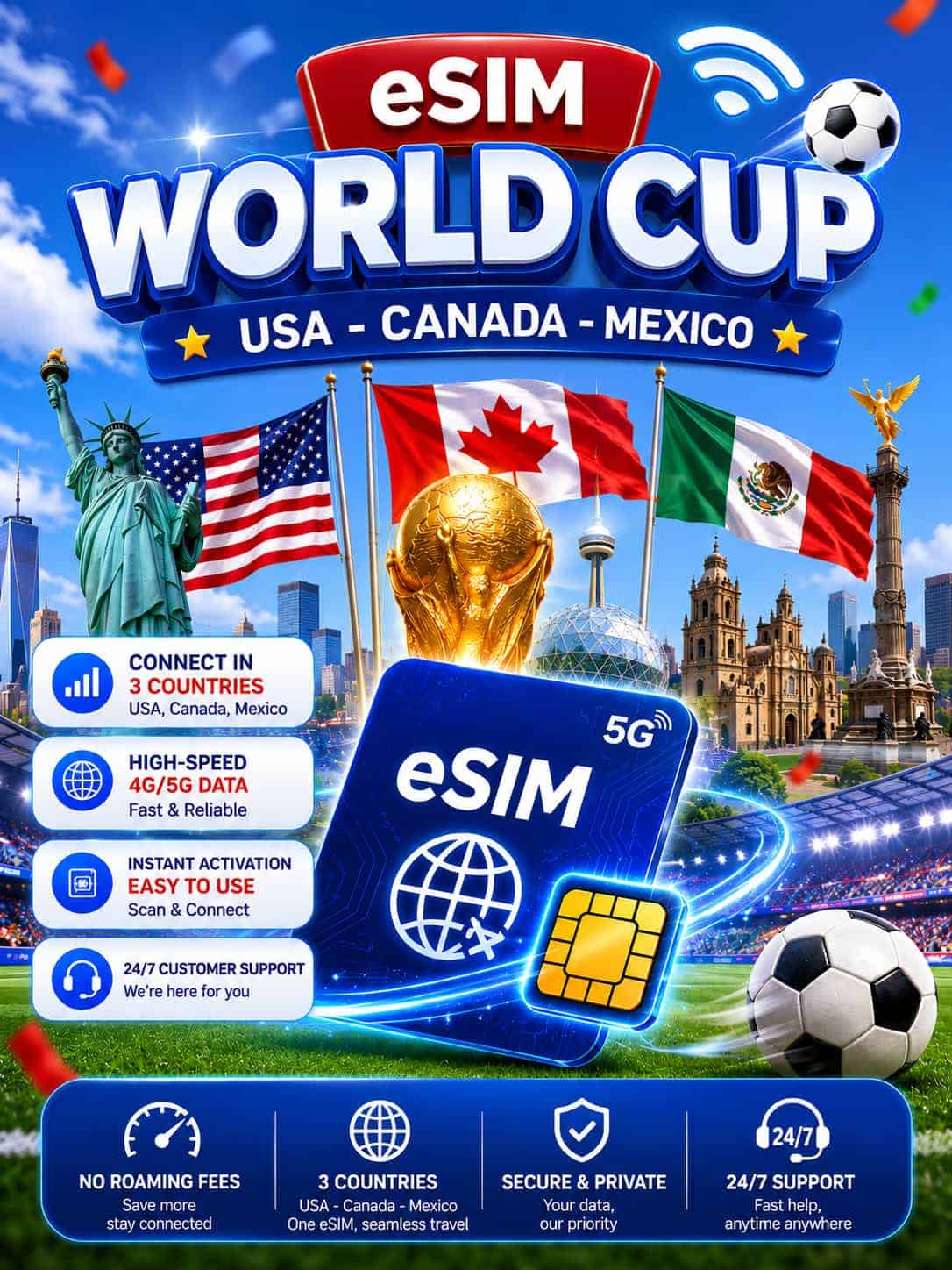
2026 World Cup eSIM (USA – Canada – Mexico)
- ⚠️If visiting all 3 countries, click the next tab to see eSIM plans covering the U.S, Canada, and Mexico
- Coverage: U.S. only
- Data: 3 plan types – Daily Data, Total Data, or Unlimited Data*
- Validity: 3–30 days (your choice)
- Carrier: AT&T / T-Mobile / Verizon (U.S.)
- Phone number: None
- Features: Internet connection only; no calls or text messages
- Delivery: via email, immediately after payment; 24/7 support
- WiFi Hotspot: Yes
- Unlimited*: 1GB of high-speed data per day, then reduced to 5 Mbps.
- 🔥 Highly Recommended: One single eSIM for cross-border connectivity across all 3 host countries.
- Coverage: 3 countries – United States, Canada, Mexico
- Data Plans: 2 types of plans – Daily data, Total data 4G/5G.
- Validity Period: 3–30 days (optional)
- Carriers: AT&T / Verizon (U.S.), Rogers / Bell / Telus (Canada), AT&T / Movistar / Telcel (Mexico)
- Phone number: None
- Features: Internet connection only; no calls or text messages
- Delivery: via email, immediately after payment
- WiFi hotspot: Yes
$ 3.5 – $ 96.9
Product Description
Gigago's World Cup eSIM is designed specifically for travelers attending matches during the 2026 World Cup, ensuring you can stream live matches, share historic stadium moments, and navigate transit routes without worrying about expensive roaming fees or swapping physical SIM cards. Whether you're heading to the grand finale at MetLife Stadium in East Rutherford (New Jersey), catching the opening match at Estadio Azteca in Mexico City, or cheering at BC Place in Vancouver - one eSIM keeps you connected across all 16 host stadiums and 3 countries, from kickoff to the final whistle.
The product is divided into two groups:
- Group 1: includes eSIM plans covering only the U.S. — ideal if your entire World Cup itinerary stays within the 11 U.S. host cities, from SoFi Stadium in Los Angeles to Gillette Stadium in Boston.
- Group 2: includes eSIM plans covering all three countries — the U.S., Canada, and Mexico. You don’t need to swap SIM cards or reactivate the plan. Ideal for fans following their team across borders, from Estadio Azteca in Mexico City all the way up to MetLife Stadium for the Final.
The FIFA World Cup 2026 lasts 39 days, from June 11 to July 19, and spans three countries. Depending on your itinerary, you’ll need different plans:
| Itinerary | Recommended Plan | Reason |
|---|---|---|
| Watch 1–2 matches, stay 3–7 days | Daily 1GB / 7 days | Enough for Maps + Uber + posting a story daily |
| Follow your team through the group stage, 10–15 days | Daily 1GB / 15 days or 5GB / 15 days | The most popular plan for World Cup fans |
| Stay from the knockout stage to the Final, 20–30 days | Daily 1GB / 20 days or 10GB / 30 days | Use freely, no worries about running out of data |
Important notes before purchasing:
- Buy your eSIM at the right time: The eSIM QR code is valid for 30 days from the date of purchase—if you buy too early, the eSIM may expire before the match you want to watch takes place.
- Check if your phone is unlocked and supports eSIM before purchase. Use the “Check Compatibility” tool above to verify.
- Buying for multiple people? Each phone requires its own eSIM — you can order multiple packages in a single payment.
- eSIM setup requires an internet connection the first time.
- The validity period of the eSIM plan begins from the moment the eSIM first connects to a supported network. The best time to set up the eSIM is 1 day before or on the day of departure.
- How time is calculated: 1 day of eSIM usage is counted until 11:59 GMT+8.
- If you run out of data, you can purchase a new plan — no need to delete the old eSIM.
- Please avoid using VPNs, especially free or unverified VPN apps, on devices with a Gigago eSIM. VPNs can alter network settings and cause disconnections even if the eSIM still has data remaining. If you need assistance, please contact Gigago.
Buying guide: Safe eSIM Purchase Window by Round
Gigago’s eSIM QR code is valid for 30 days from the date of purchase; you should not purchase it too early to avoid the QR code expiring before you actually need it.
| Tournament Stage | Match Dates | Safe Purchase Window |
| Group Stage | June 11 – June 26 | May 28 onwards |
| Round of 32 & 16 | June 28 – July 2 | June 3 onwards |
| Quarter-Finals | July 4 – July 5 | June 6 onwards |
| Semi-Finals | July 14 – July 15 | June 16 onwards |
| The Final | July 19 | June 20 – July 16 |
💡 Pro Tip: Most fans buy their eSIM approximately 1 week before departure.
How much data do you use each day during the World Cup?
On match days, you typically use more data than usual because you need to use Maps to navigate to the stadium, share photos and videos, and make video calls to your family.
| Activities | Data Usage/Hour |
|---|---|
| Streaming a match (HD) | ~1.5 GB |
| Posting photos/videos on social media | ~150 MB |
| Maps + navigating around the stadium | ~50 MB |
| Video calls | ~300 MB |
| Grab/Uber + language translation | ~60 MB |
Practical estimate: A match day (without streaming) uses about 500 MB – 1 GB. If you frequently livestream or post stories, choose the 2 GB/day plan to be safe.
How to Use Gigago's 2026 World Cup eSIM
Get connected in just three simple steps right on your phone.
1. Select plan
Select the eSIM plan that best suits your World Cup schedule.
2. Scan the QR code
Receive the QR code via email, and scan it to install. It’s best to do this at home before your flight.

3. Connect instantly
Your plan will activate automatically as soon as you arrive. Simple and convenient!
Why Choose Gigago World Cup 2026 eSIM?

Easy to use

No roaming fees
Prepaid plan, no hidden fees, no roaming charges. Use it conveniently in all three countries hosting the 2026 World Cup.

Coverage in the U.S., Canada, and Mexico
Automatically stay connected with the best network in each country: AT&T, Verizon, T-Mobile (U.S.), Rogers, Bell (Canada), and Telcel (Mexico).

24/7 Support
Get 24/7 dedicated support from real people, not chatbots, in English, Spanish, Chinese, French, and more.

Instant Delivery
Receive your eSIM details via email within 5-10 minutes after payment. No waiting for shipping, no risk of losing SIM card.

Keep Your Existing SIM
The World Cup eSIM works alongside your primary SIM. Your main phone number will continue to receive calls and messages as usual.
What Customers Say About Gigago eSIM?
Over 1,000,000 customers have experienced and are satisfied.
I traveled through 7 countries in Europe in just 15 days, and Gigago eSIM was a lifesaver! Instead of buying multiple SIM cards, I had one eSIM that worked seamlessly in France, Germany, Italy, and beyond. The local network support meant I had 5G speeds in major cities, which made navigation, video calls, and social media uploads effortless. Saved over $100 on roaming fees!

James T.
USA
Great purchase! No regrets in choosing eSIM from Gigago. It was convenient, easy to set up and reliable. I was skeptical at first, but after using Gigago eSIM in Japan, I’m convinced this is the best way to stay connected while traveling. The prices are much cheaper than my carrier’s roaming fees - only over $35 for a 30-day trip with 20GB of high-speed data. Highly recommend this for budget-conscious travelers!

Maria L.
Spain
I had trouble installing the eSIM on my Samsung Galaxy S22, but Gigago’s customer support was amazing. I contacted them via live chat at midnight, and they responded in less than 2 minutes! They walked me through the steps, and within 5 minutes, I was connected to 4G LTE in Thailand. I didn’t have to stress about data limits, and the connection was fast and stable everywhere in Bangkok, even in crowded areas like Chatuchak Market and the Grand Palace.

David Pham
United Kingdom
I used Gigago eSIM for a 10-day adventure in Indonesia, and overall, it worked great. The internet was fast in Jakarta and Bali, but when I visited Komodo Island, the signal dropped to 3G. If you’re staying in cities, Gigago is perfect, but for rural areas, expect some fluctuations.

Sophie M.
Germany
As a digital nomad, I need fast and reliable internet. I used Gigago's unlimited eSIM in Vietnam for a full month and had 99% uptime! I worked remotely, joined Zoom meetings without lag, and even streamed Netflix in HD. Plus, I could share data with my laptop without any issues. This eSIM is a must-have for remote workers!
Lucas R.
Singapore
When I was in Paris, I realized that many restaurants and taxi services only accept local phone numbers for reservations. Thanks to Gigago’s France eSIM, I had a French number, which made it easy to book tables at popular restaurants and call local taxis without using expensive international calls. If you're traveling in France, this is a must-have!

Olivia M.
Canada
Frequently Asked Questions
Answer common questions about 2026 World Cup eSIM as well as Gigago eSIM.
When does the validity period of the World Cup eSIM plan begin?
Your plan’s validity begins the moment your eSIM connects to a supported network in North America for the first time, not when you scan the QR code.
Please keep in mind two important deadlines:
– eSIM Plan Validity: Starts upon your first local network connection and expires exactly at the end of your chosen duration (e.g., a 15-day plan activated on June 11, 2026, will expire on June 26, 2026).
– QR Code Expiration: You must scan and install the QR code within 30 days from the date of purchase.
Does a World Cup eSIM come with a phone number?
No, Gigago’s 2026 World Cup eSIM does not include a local phone number.
Can I make phone calls or send texts using 2026 World Cup eSIM?
With Gigago’s World Cup eSIM, customers can make calls and send messages using calling apps such as Skype, Zalo, WhatsApp, and more using the mobile data included in their plan.
Can I share Internet using 2026 World Cup eSIM?
Yes, all Gigago World Cup eSIM plans support the Hotspot/Tethering feature. If data sharing doesn’t turn on automatically, please set up the APN following the instructions in the email.
What phone supports eSIM?
To know which mobile devices support eSIM, please read our updated list on eSIM compatible devices.
How to install an eSIM?
After payment, you will receive an email that includes a QR code and user guide for installation on phones. Then, you just need to follow the guidelines and you are all set to go. See more: Detailed guide to install eSIM on iPhone, Samsung, Google Pixel.
Do I have to turn on my eSIM data roaming?
Yes, you are required to do so to get the best coverage. This will not incur any additional fees, as long as you have already set up the Gigago eSIM.
What happens if I use up my data?
You can purchase a new eSIM plan on gigago.com, receive a QR code via email, and install the second eSIM on your phone—all in just a few minutes. You’ll keep your old number, and it won’t affect your current eSIM.
When should I set up my eSIM?
As you need Wi-Fi to set up your eSIM, we recommend that you install your eSIM before departure. And then, activate your eSIM data plan when you land in your destination.
How many times can I scan the eSIM QR code?
The QR code can only be scanned once. If you encounter any issue during the installation and activation of your eSIM, please do not delete the eSIM. Instead, contact GIGAGO at email: [email protected] or Hotline (WhatsApp): +1 657-571-1199.
Can I buy a World Cup eSIM early to be on the safe side?
The QR code is valid for 30 days from the date of purchase, so you can buy it in advance and keep it in your email for up to 30 days. However, do not purchase too early, as the QR code will expire after this period.
How far in advance can I purchase an eSIM?
Yes, but you need to plan carefully. Check the table “Safe eSIM Purchase Window by Round” for the safe purchase deadlines for each round.
Does eSIM work at all World Cup stadiums?
Yes, all 16 stadiums have had their network infrastructure upgraded ahead of the tournament. That includes flagship venues like MetLife Stadium (East Rutherford, NJ — host of the Final on July 19), SoFi Stadium (Inglewood, CA), AT&T Stadium (Arlington, TX), Estadio Azteca (Mexico City), and BC Place (Vancouver, Canada).