As eSIM technology becomes the new standard for international travel, many users wonder: “Does eSIM Require Special Apps to Install?”. If you are planning a trip and considering a travel eSIM, the technical side might seem a bit mysterious. This guide will clarify whether you truly need extra software just to stay connected with an eSIM and how to get your eSIM up and running in minutes.
In this article
I. Does eSIM Require Special Apps to Install?
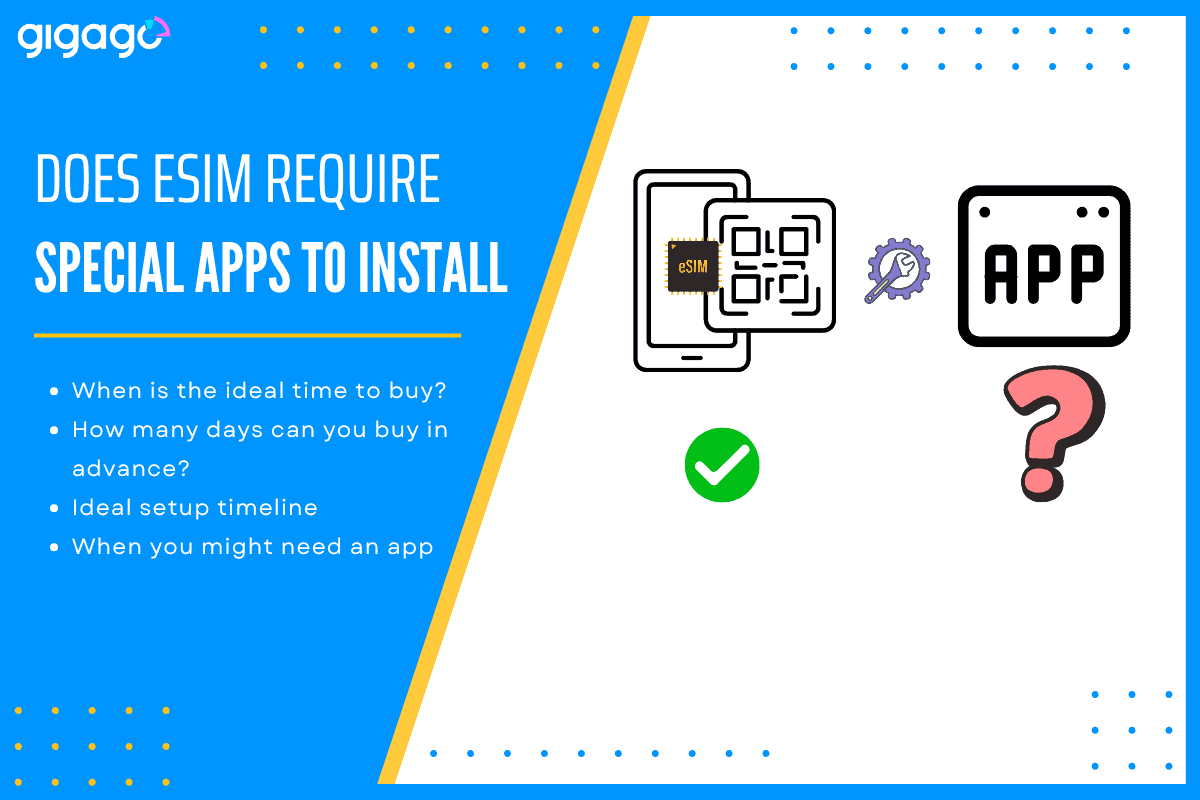
No. You do not need to download a special app to install or activate an eSIM.
eSIM technology is built directly into your smartphone’s hardware (motherboard). Because it is a native feature, your phone’s operating system (iOS or Android) already has all the tools necessary to handle the installation.
While many providers (including Gigago) may offer an app for managing your data usage or purchasing top-ups, the actual “installation” is handled by your phone’s settings, not a third-party application.
II. How eSIM installation works – Explained quickly for beginners
eSIM is a digital version of the plastic SIM card you are used to. Instead of physically sliding a chip into a slot, you are simply downloading a “profile” onto your phone. Your phone downloads the eSIM profile and adds it as a new cellular line. This profile can be installed through:
Scanning a QR code, or
Entering activation details manually (provided by your eSIM seller)
An app is optional and only used by some providers for convenience (tracking data, topping up, or managing plans).
III. How to install an eSIM without an app
What you actually need (instead of an app):
An eSIM-compatible phone
An unlocked phone (not restricted to one carrier)
A stable internet connection during installation (Wi‑Fi is easiest)
Steps to install:
On iPhone (no app needed)
Go to Settings → Cellular (or Mobile Data) → Add eSIM
Choose Use QR Code and scan the QR code you received (or choose Enter Details Manually if provided)
Label the line (e.g., “Gigago Travel”)
Set Cellular Data to the eSIM when you’re ready to use it
Turn on Data Roaming for the eSIM if your plan requires it
On Android (steps vary by brand, still no app needed)
Go to Settings → Network & Internet → SIMs (or Mobile Network) → Add eSIM
Select Scan QR code (or Enter activation code)
Choose the eSIM for Mobile Data when ready
Enable Data Roaming if required
Tip: Many travelers install the eSIM before departure on home Wi‑Fi, then switch data to the eSIM after landing.
IV. When you might need an app
While an app isn’t required for installation, it can be very helpful for management. You might choose to download a provider’s app for the following reasons:
Tracking Data Balance: Easily see how many GBs you have left.
Purchasing Top-ups: If you run out of data mid-trip, an app often allows for a “one-click” purchase to extend your plan.
Customer Support: Quick access to live chat if you have connectivity issues.
Compatibility Check: Some apps can automatically detect if your phone is carrier-unlocked and eSIM-compatible.
V. Do I Need Wi‑Fi to Install an eSIM?
Yes, you typically need the internet to install an eSIM, because your phone must download the eSIM profile.
The best options are:
Wi‑Fi (recommended): stable and easy before you travel
Another data connection: e.g., your current SIM’s data or hotspot from a friend (works, but less reliable than Wi‑Fi)
Good to know:
You may need the internet only during installation. After it’s installed, it can work normally once you arrive (depending on when the plan activates).
To avoid last-minute issues, we highly recommend installing your eSIM the day before you fly or while you are still at the airport with reliable Wi-Fi. You can install it ahead of time; the data plan usually won’t start counting down until you land and connect to the local network in your destination country.
If you are looking to buy an eSIM plan for your next trip, visit Gigago store. We have esIM plans for more than 200 countries and territories in the world (over 300+ eSIM ranges)
When you’re traveling abroad, staying connected is essential. You need reliable internet for maps, language translation, ride-hailing apps, or staying in touch with family and friends. But, what speed should you actually expect when traveling abroad? Let’s break down what “normal” mobile internet speed looks like, why it matters, how to test your connection, and […]
When traveling to Thailand, staying connected is essential. Whether you’re navigating Bangkok’s lively streets, sharing beach photos from Phuket, or working remotely from Chiang Mai, you’ll need reliable internet. For Australian travelers, two popular options come to mind: But which gives better value, speed, and convenience? Let’s break it down. I. What is Optus International […]
If you are a Verizon customer, one big question probably comes to mind: “Should I just use Verizon’s $12/day Travel Pass, or try a local Vietnam eSIM?” At first glance, Verizon roaming with International Travel Pass sounds convenient — no SIM change, no setup hassle. But at $12 per day, is it really the best […]
When you shop for a travel eSIM or glance at your phone’s status bar, you will often see your phone show network types like “LTE”, “4G”, or sometimes even “5G”. Most people just assume it means “fast internet” and move on – which is fair enough, but there’s a bit more to it than that. […]
In today’s connected world, mobile number is more than just a way to call or text – it’s also a key to accessing important accounts like banking, email, and social media. Unfortunately, that makes it a valuable target for cybercriminals. One increasingly common threat is SIM swap fraud and for international travelers, understanding it is […]
A Beijing layover is a great chance to explore, but China’s “Great Firewall” makes staying connected tricky. Without the right plan, you’ll likely find blocked access to essential apps like Google Maps, WhatsApp, and even your banking tools. Whether you have a few hours or a full day, choosing the right connectivity option is key. […]