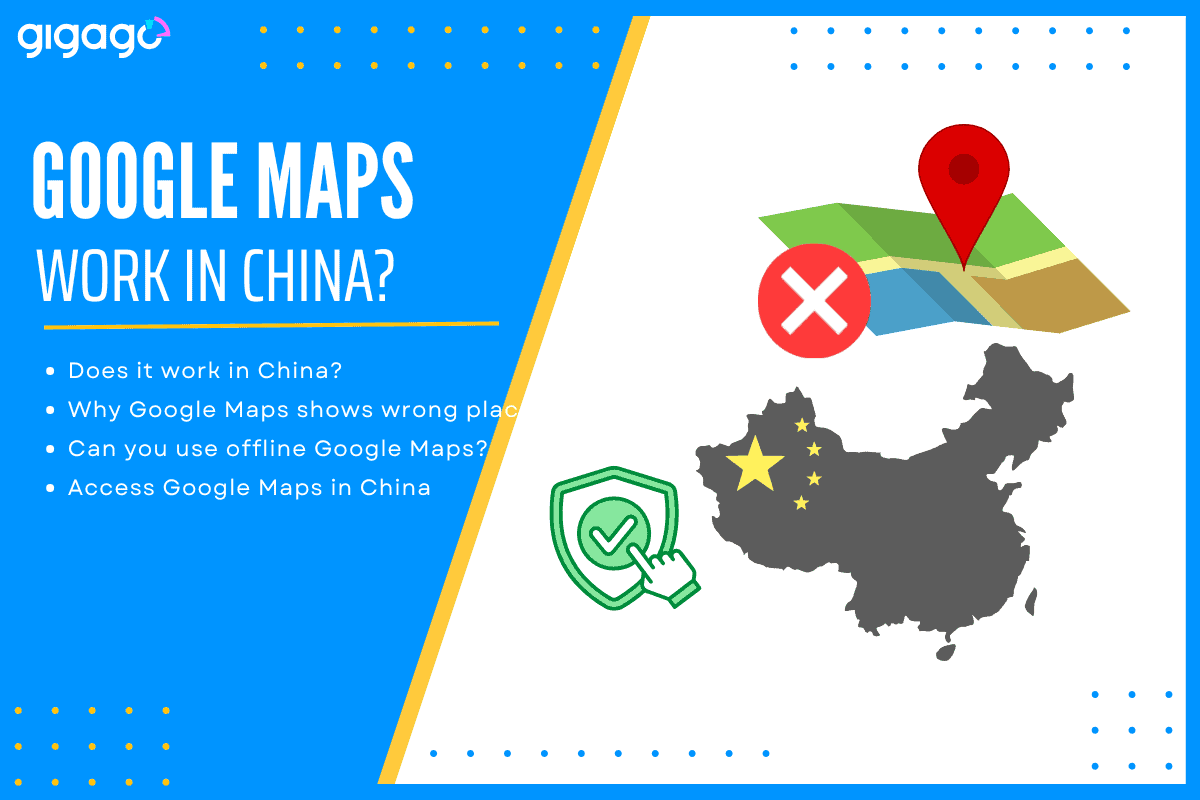
Google Maps is widely used globally for navigation and location-based services, but in China it is blocked. For years, the “Great Firewall” has made navigating China a puzzle for Western tourists. While the digital landscape in China is unique, you don’t have to navigate it blind. This article will answer the questions: Does Google Maps work in China? Can you trust it? How to access it and local alternatives to Google Maps in China.
The short answer: Google Maps is officially blocked in China, but you can still access it and use it effectively by using an international eSIM or a high-quality VPN.
In this article
I. Does Google Maps work in China? (The Facts)
No. Since 2010, the Chinese government has restricted Google services. If you connect to a local hotel Wi-Fi or insert a local SIM card bought at a Chinese airport, Google Maps will likely fail to load or show a “Connection Error.”
Google Maps loads inside China under one condition: you have an active VPN connection. Without a VPN, the app shows a blank grid. No map tiles. No search results. Nothing.
How censorship impacts navigation apps like Google Maps
The Great Firewal blocks all Google services, including Maps, Gmail, and Search, because Google refuses to move its servers inside China or comply with specific data regulations.
Furthermore, mapping in China is considered a matter of national security, meaning only licensed local companies have access to the most precise, updated geographic data.
II. Why does Google Maps show the wrong place in China?
Even if you manage to get the app to load with a VPN, you’ll notice something strange: your “blue dot” (GPS location) doesn’t align with the streets on the map. The location pin is wrong by 500 meters, making it useless for walking or driving. This is known as the China GPS Offset Problem.
China uses a specific coordinate system called GCJ-02, while the rest of the world (including Google) uses WGS-84. Because of this “security” encryption, the map data and the GPS coordinates are intentionally shifted by 50 to 500 meters.
What this looks like on the ground:
Your hotel pin floats in the middle of a highway interchange.
The restaurant you are looking for appears inside a gated residential compound.
Walking directions tell you to cross a river where no bridge exists.
This offset affects all foreign map apps that do not license local Chinese map data. Google Maps is the most visible casualty.
III. Can a VPN fix Google Maps in China?
A VPN (Virtual Private Network) can bypass the block by routing your traffic through a server in another country (like the US or Singapore).
While a VPN “fixes” the accessibility issue, it does not fix the accuracy issue. You will still experience the GPS offset. Additionally, many VPNs are actively throttled or blocked in China, leading to slow load times and heavy battery drain on your phone.
IV. Offline Google Maps: Can you use it in China?
Offline maps bypass the firewall requirement. No VPN needed. The map data lives on the device. But the problem is that offline map data is the same outdated, offset data Google serves online.
Google often disables the “Download” feature for Chinese regions due to mapping restrictions. Therefore, offline Google Maps functions as a static reference. It cannot replace a working navigation app.
When offline Google Maps works in China:
Viewing the general layout of a city before stepping outside.
Identifying major landmarks that are visible from a distance.
Finding the rough direction of a neighborhood.
When it fails:
Navigating narrow hutongs in Beijing.
Locating a specific shopfront on a busy commercial street.
If you want to use Google Maps, you need to prepare two components: a data connection and a VPN tunnel.
There are two options to consider:
1. China eSIM or international eSIM
When you use an international eSIM, such as those provided by Gigago, your mobile data is technically “roaming.” It means your data traffic being routed through servers outside of China (usually Hong Kong or Singapore). As a result, the Great Firewall does not apply to your connection. Google Maps, Instagram, and WhatsApp will work perfectly the moment you land, with no VPN required.
Gigago’s China eSIM provides two components in one eSIM plan. Activate the eSIM before departure or upon landing. The connection works immediately. If you are likely to access TikTok while in China, consider Gigago China eSIM (support TikTok).
2. Use a VPN
If you choose to use a local SIM, you must install a reputable VPN before you enter the country. Be prepared for occasional connectivity drops and slower speeds.
ExpressVPN and PrivateVPN both work inside China according to user reports. Astrill VPN offers proprietary obfuscation protocols specifically for restrictive networks.
V. Google Maps vs. Local Alternatives
Some map options you can consider are:
Google Maps. This serves one purpose in China: pre-trip planning.
Apple Maps. Apple licenses map data from Gaode (Amap), the largest digital map provider in China. It requires no VPN and works on any iPhone with an active data connection. The underlying data is accurate to within meters that matches what Apple Maps delivers in any other country. The interface remains in English.
Gaode Maps (高德地图). This uses the local standard. Taxi drivers use it. Delivery riders use it. It updates faster than any foreign app. The interface takes adjustment. Search requires Chinese characters for best results. Copy-pasting addresses from hotel confirmations works reliably.
Baidu Maps. It is the second major local option. It offers similar accuracy to Gaode. The English support is weaker. Interface navigation assumes familiarity with Chinese UI patterns. Most travelers find Apple Maps or Gaode sufficient.
Comparison table
Feature
Google Maps (VPN)
Apple Maps
Gaode/Baidu Maps
VPN Required
Yes
No
No
Coordinate Accuracy
Offset 200-700m
Accurate
Accurate
English Interface
Full
Full
Partial
Metro Exit Details
No
Yes
Yes
Street View
Blocked
Look Around (limited)
Full (Chinese UI)
Works Offline
Yes (offset data)
Limited
Yes
Accessibility
Needs eSIM/VPN
Works natively
Works natively
Note: Apple Maps is a great “middle ground” for tourists because it uses local Chinese data (no offset) while keeping the interface in English.
VI. What Is the Checklist for Maps in China?
Before departure (at home):
Research and save locations in Google Maps.
Copy Chinese addresses from hotel and tour confirmations.
Download Apple Maps (iPhone) or Gaode Maps (Android/iPhone).
Download Google Translate with Chinese offline pack.
Purchase and activate Gigago China eSIM.
On the plane:
Switch eSIM profile to Gigago.
Confirm data connection works.
On arrival in China:
Open Apple Maps or Gaode for all walking and transit.
Turn on mobile data line for the Gigago China eSIM.
Use Google Translate screenshot function for menus and signs.
Paste saved Chinese addresses into Gaode Maps search bar.
What not to do:
Do not rely on Google Maps walking directions.
Do not assume offline Google Maps shows your true position.
Do not wait until arrival to install a VPN (if you choose this method). But for eSIM, you can buy it anytime as long as you can access the Internet (through airport WiFi or hotel’s WiFi)
Google Maps in China is a planning tool. It is not a navigation tool. Gigago eSIM provides the data connection to make either approach work. The choice of app determines whether you arrive at the dumpling shop or circle the block three times looking for it.
Ready for your China adventure? Don’t let the Firewall slow you down. Grab a Gigago China eSIM and stay connected to the apps you love from the moment you touch down.
A good navigation app needs to do more than find the fastest route when you’re traveling abroad. You may need offline directions, public transit information, reliable place details, or navigation in a country where some services are restricted. So, which is better for travel: Apple Maps or Google Maps? This guide compares Apple Maps and […]
One of the most common questions travelers have before using an eSIM is “Does time zone affect your travel eSIM’s validity period?” whether changing time zones will shorten their data plan. If you buy a 7-day eSIM, fly across multiple countries, or cross the International Date Line, it’s natural to wonder whether changing time zone […]
The iPhone 18 Pro and iPhone 18 Pro Max are eSIM-only in 12 countries and regions, including the United States, Canada, Japan, and Mexico. Models sold in many other markets, including Europe, the UK, Australia and most of Asia still have a physical nano-SIM tray alongside eSIM support. If you’re traveling internationally with an eSIM-only […]
Short answer: No, if you are visiting multiple countries on a single trip, you do not need to buy a separate SIM card for every border you cross. By installing one regional or global eSIM before you depart, your phone automatically switches to a supported local network as soon as you arrive in a new […]
The 2026 FIFA World Cup runs from June 11 to July 19 — and it’s the most logistically complex tournament in football history. 48 teams. 104 matches. 16 cities. 3 countries. 39 days. If you’re flying in from overseas, this isn’t a weekend trip. It’s a multi-country expedition that punishes poor planning and rewards fans […]
The Da Nang International Fireworks Festival (DIFF) 2026, themed “United Horizons”, will transform the Han River into a world-class stage from May 30 to July 11, 2026. Featuring 10 elite teams, this 6-night festival is more than just a show—it’s a city-wide celebration. It just made Travel + Leisure’s Top 9 Must-Experience Festivals on the […]